How to Install Lotjitsu on Android
Follow these simple steps to install the Lotjitsu app onto your Android device for instant access.
STEP 01
Open Browser
Launch Google Chrome or your preferred browser on your Android device and navigate to app.lotjitsu.com.
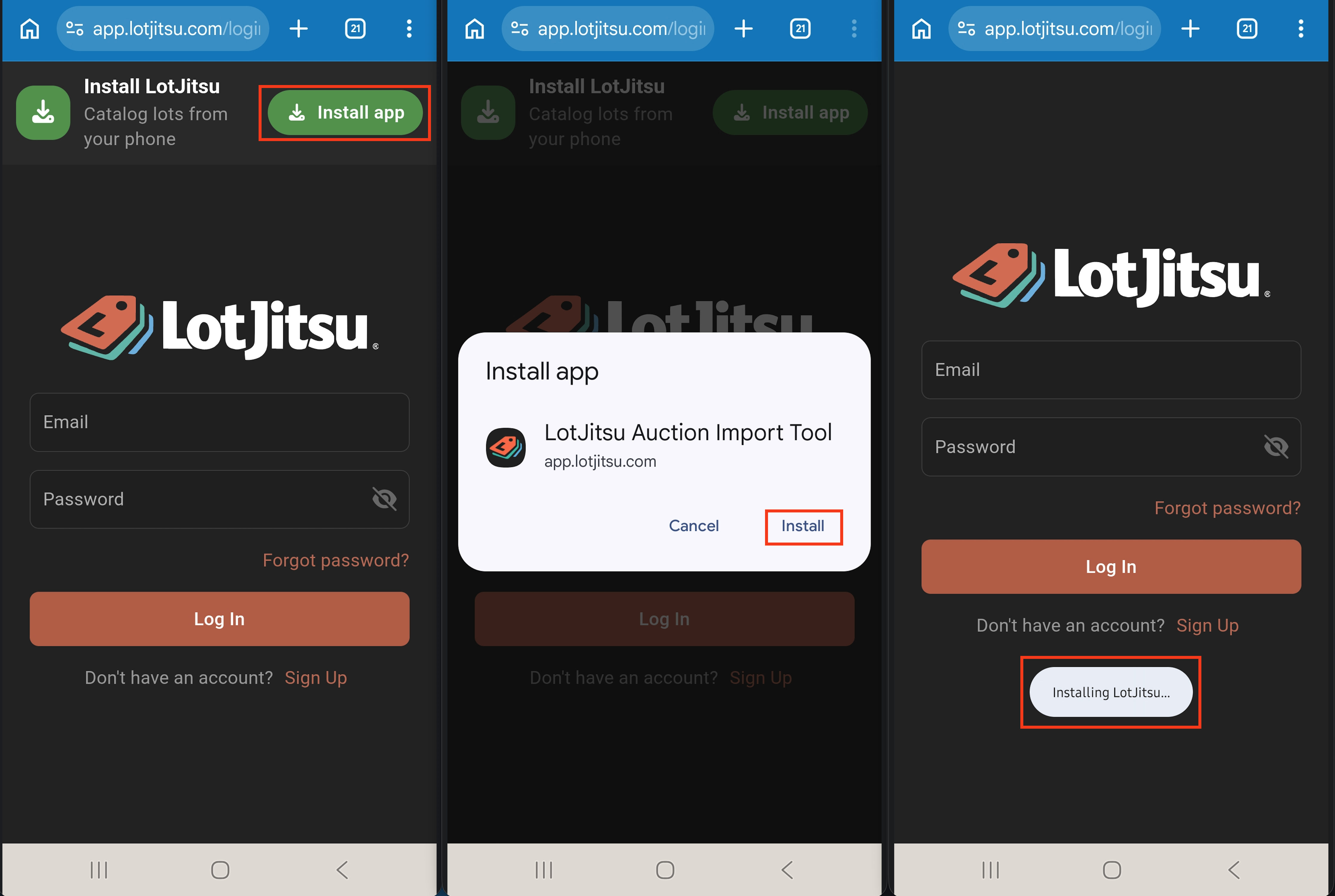
STEP 02
Select Install App
Click the green "Install app" button at top of screen.
STEP 03
Confirm Install App
Tap "Install" when the white screen appears.
STEP 04
Launch
The Lotjitsu app icon will auto-launch and now appear on your home screen and app drawer. You are ready to signup and get started!